
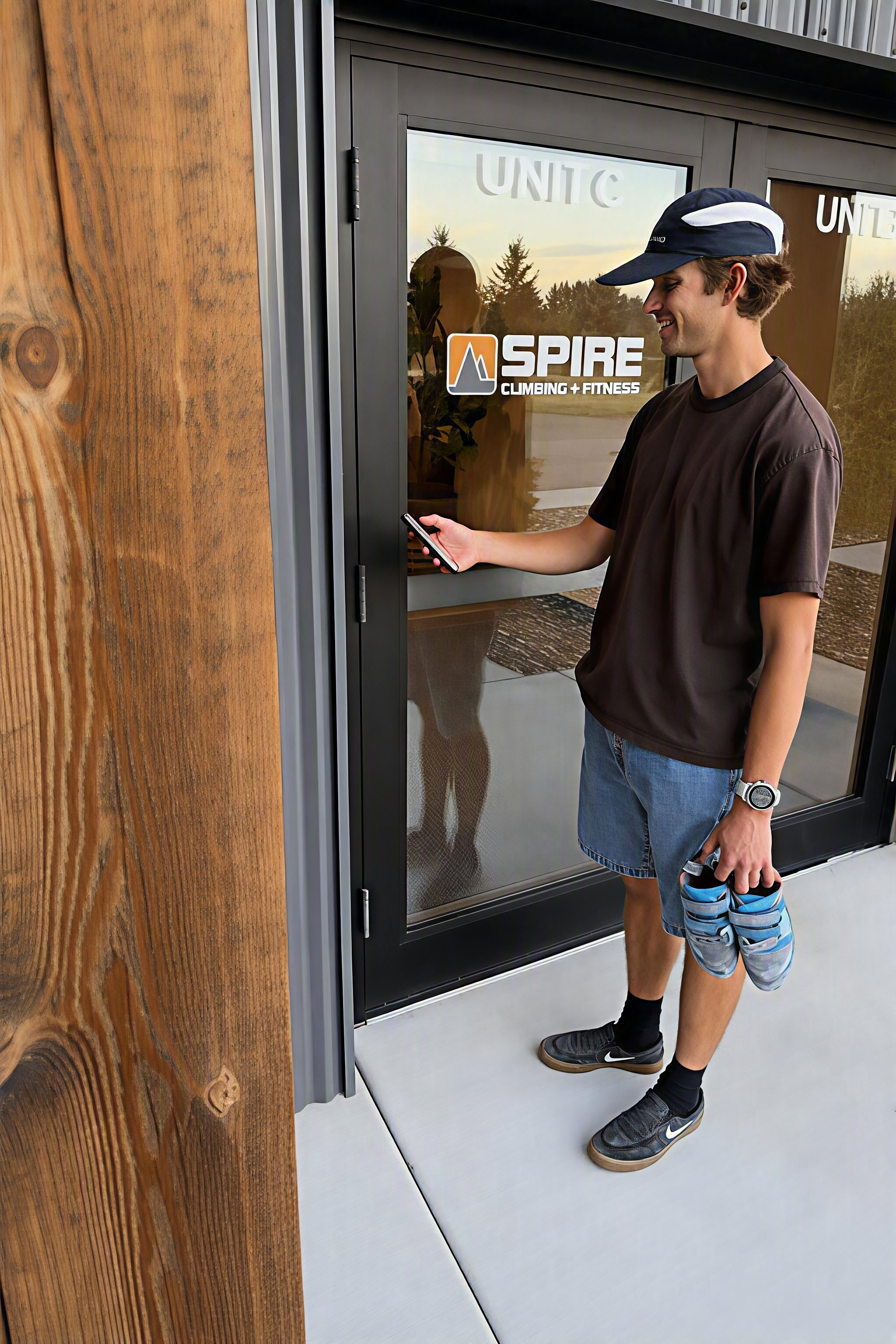
Extended Access
Train on your schedule! Extended Access provides greater freedom and flexibility for our members and punch card holders and gives qualified participants access to use Spire's Training Center outside staffed hours. This offering is limited to ages 18+ unless accompanied by a supervising adult.
Get Started
Want to train on your own schedule? Our Extended Access program gives members and punch card holders access to the Training Center anytime the main facility is open, even when staff are not present at the Training Center. To get started, visit either of our locations during public hours to complete a required orientation. During the orientation, you'll learn about our safety procedures, facility policies, and access requirements. Once approved, you'll be able to use the Training Center during designated unstaffed hours, giving you the flexibility to train when it works best for you.
Rules
KNOW THE RULES. YOU ARE RESPONSIBLE FOR YOUR OWN SAFETY!
All participants MUST have a current waiver, facility and Extended Access Orientation on file, and be aware of posted safety rules.
Access is limited to members and punch card holders during designated hours.
Participants must check-in via the app with their own credentials. Tailgating or shared access is prohibited.
Participants must keep a charged phone accessible and nearby at all times so they can call for help in an emergency.
Do not drop weights. We have neighbors below!
Music must be appropriate for all participants and kept at a volume that respects neighboring tenants.
No topping out on walls or entering posted staff only areas.
Do not tamper with security devices or other systems.
Drugs, alcohol, mind-altering substances, smoking, vaping, and weapons are not permitted.
Report any misconduct, safety issues, damaged equipment, or facility issues.
Policies
-
Climbing or training without staff present increases risk. Participants are responsible for their own safety and must avoid actions that could endanger themselves, others, or the facility. It is strongly encouraged to use the facility with a partner or when other participants are present.
Emergency medical services are not available on-site during Extended Access hours.
Inspect equipment before use, discontinue use if damaged, and immediately report hazards or facility issues such as loose holds, damaged mats, broken equipment, leaks, power issues, or suspicious activity via the posted QR code or email.
Before adjusting Kilter or Tension boards, make sure no one is climbing; for fall safety, boards must stay within 15 degrees of each other.
Keep lights on in all areas being used.
-
Extended access is limited to:
Members and punch card holders ages 18+
Youth under 18 accompanied by a supervising adult age 18 or older who has completed an Extended Access Orientation. The supervising adult is responsible for ensuring that the youth comply with all rules and policies.
Guests, day passes, and shared punches are not permitted.
Participants may contact the main facility front desk or use the front-door intercom if they have trouble entering, cannot check in, forgot their phone after leaving for the bathroom, are accompanying youth, or need to buy a frozen-member day pass.
Light switches are on the inside of each door.
DO NOT prop doors open.
Leave no trace. Clean up after yourself when you are finished.
If you are the last person to leave:
Turn off the lights and pause music.
Make sure all doors are closed and locked.
Participants must exit by closing time via the common area entrance/exit doors.
-
Call 911
Do not move if serious head/neck/spinal injury is suspected.
In addition, call the main facility front desk at 406-586-0706.
AED and First Aid Kit are located on the west wall.
Ask nearby participants for assistance if safe to do so.
Follow posted Emergency Action Plan for fire, power outage, Wi-Fi outage, severe weather, or active threat.
Report Incident (within 24 hours).
-
Report non-time-sensitive incidents through the posted QR code and time-sensitive issues by calling the main facility front desk at 406-586-0706. Report policy abuse, facility misuse, feeling unsafe, equipment or facility damage, malfunctions, and safety concerns.
If an injury is not an emergency, use the first aid kit.
-
Allowing unauthorized individuals into the facility.
Using the facility while intoxicated or under the influence.
Tampering with security or other systems.
Failure to report major hazards or emergencies.
Violations may result in immediate suspension or revocation of Extended Access privileges, termination of membership or punch-card privileges, responsibility for applicable admission fees for unauthorized users, and liability for any resulting damages, costs, or losses.
Door App
To gain access to the Training Center, you’ll need to download the Allthenticator app so that you can open the doors. Once you’ve completed the orientation at the front desk, you should get an email from Allthenticate with in 5-10 min. Please be sure to check your junk folder! Follow these steps to set up your app.
Download the Allthenticator app (links below or in the email you receive).
Create an account in Allthenticator using the same email you have on file at Spire (this is where your Allthenticator email will be sent).
Make sure Bluetooth and location settings are on. These are required by the app to open the doors.
You are only allowed to link your account to one device.
Open the app when you arrive at the Training Center and you’ll be able to unlock the doors!
A few items to keep in mind.
In order to unlock the doors you will also need to make sure you have a current waiver, membership/punch card, and Extended Access Orientation.
If you have an outstanding balance, missing billing info or a frozen account the door will not open. If this happens contact the main facility front desk and we can help you out.


FAQ’s
-
Extended Access is available to approved members and punch card holders who have a current waiver and have completed the Extended Access Orientation.
-
No, staff are not present during Extended Access hours. You are responsible for your own safety!
-
No. Extended Access applies to the Training Center only.
-
No. Guests, day-pass users, and shared punch-card users are not permitted during Extended Access hours.
-
Use the Allthenticator and check in using your own credentials. Every participant must enter individually.
-
No. Allowing unauthorized access ("tailgating") is a Zero-Tolerance violation and may result in loss of Extended Access privileges.
-
Contact the front desk at our main facility via phone or the intercom and we can set you up with a frozen day pass and open the door for you remotely.
-
Outside of public Training Center hours, designated Extended Access hours are anytime our main facility is open. For the most up-to-date hours visit our hours page here.
-
Yes. Participants under 18 must be accompanied by a supervising adult who is at least 18 years old and has completed the orientation.
-
Yes. You must have a charged phone accessible at all times in case of an emergency.
-
You may use the facility alone, but Spire strongly encourages using the facility with a partner or when other participants are present.
-
Call our main facility front desk using the intercom.
-
Stop using the equipment and report the issue immediately using the posted QR code or by contacting Spire if the issue is urgent.
-
Call 911 first. Then contact the main facility and follow the posted Emergency Action Plan. The AED and First Aid Kit are located on the west wall.
-
No tailgating, no guests, no drugs or alcohol, no weapons, no topping out, no propping doors open, and no dropping weights.
-
Turn off the lights, pause any music, make sure all doors are closed and locked, and exit before closing time.
-
Yes, but only after confirming no one is climbing. The boards must remain within 15 degrees of each other.
-
Violations may result in suspension or revocation of Extended Access privileges, membership consequences, and liability for damages or unauthorized users.